Admin
Reconnecting a Bank Account
When Topkey loses access to a connected bank account, transaction syncing stops until you re-authenticate. This page explains why connections drop, how to recognize the signs, and how to restore the connection quickly.
Why connections expire
Bank connections can drop for several reasons:
- Periodic re-verification — Banks require users to re-confirm their credentials or re-consent to data sharing on a regular basis.
- 90-day re-authorization windows — Many banks, particularly those using OAuth (such as Chase, Bank of America, and Wells Fargo), enforce a 90-day session limit after which access must be reauthorized.
- Password or security changes — Changing your password, updating multi-factor authentication settings, or any security event at your bank automatically invalidates the existing connection.
How to tell a connection needs attention
Look for any of the following signs:
- A status badge on the bank account card showing Reconnect Required or Error
- Transactions stop appearing in Topkey, and the last sync date is falling behind
- A warning banner on the Connections page or the Transactions page alerting you that a connection needs attention
Topkey also sends an email notification when a connection drops. Make sure the right admin on your team has notifications enabled so connection issues are caught quickly. You can review notification settings under Settings → Notification Routes.
Reconnecting your account
You can restore a dropped connection directly from the Connections page.
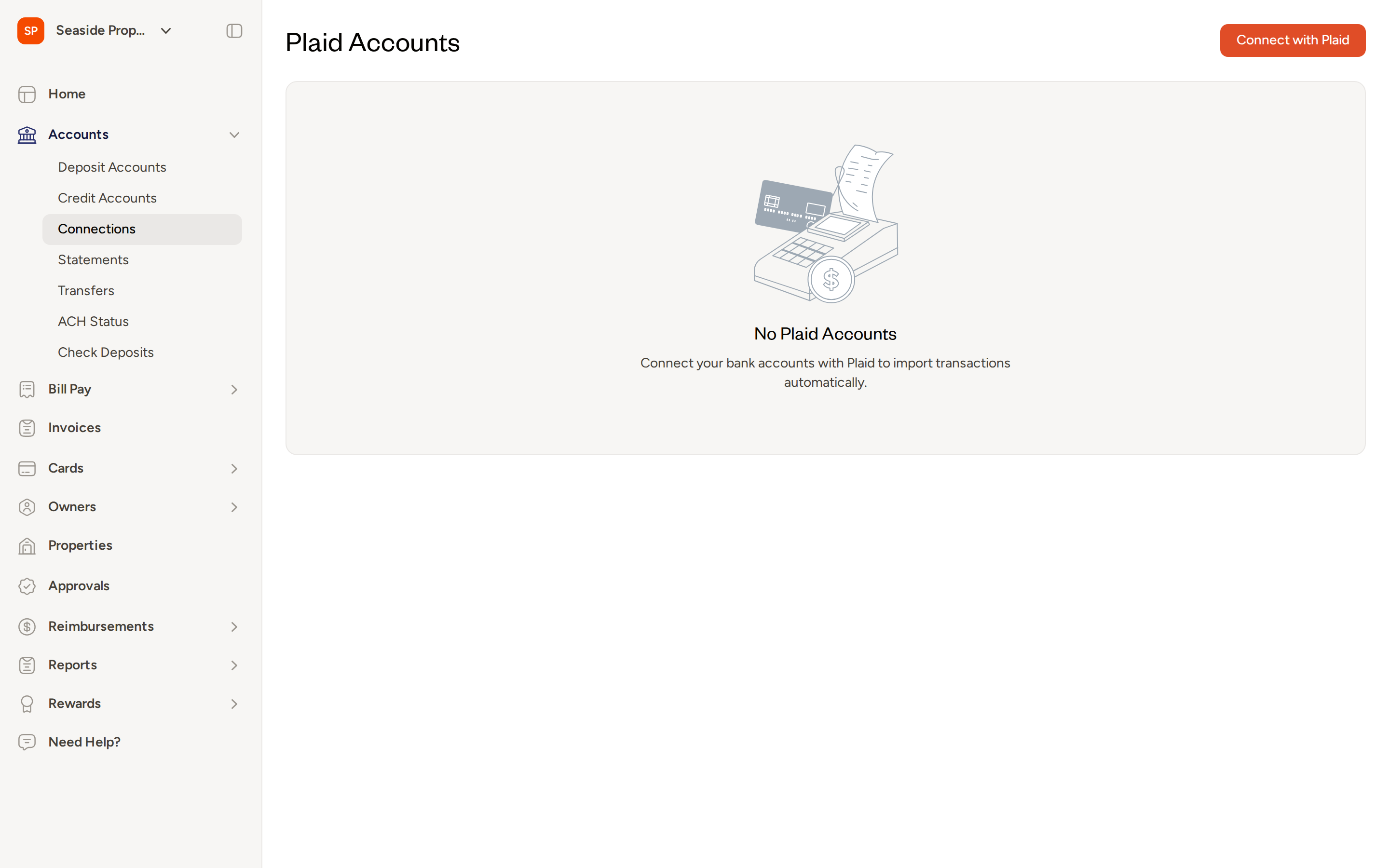
- In the left navigation, select Accounts → Connections.
- Find the bank account that needs attention. It will be marked with an error status.
- Click the (...) menu next to the affected account and select Refresh.
- Follow your bank's authentication steps. Depending on your bank, this may include entering your username and password, completing a multi-factor authentication prompt, or being redirected to your bank's website to authorize access.
- Once authentication is complete, you are returned to Topkey and the connection status updates to Connected.
After reconnecting, Topkey will automatically back-fill transactions that were missed during the disconnection window, typically covering up to the past 30 days.
OAuth banks (Chase, Bank of America, Wells Fargo, and others)
Some banks use OAuth, which means instead of entering your credentials directly, you are redirected to your bank's own website to authorize Topkey's access. Once you approve access in your bank's portal, you are automatically returned to Topkey and the connection is restored. The steps are the same as when you first connected the account.
If your browser blocks the redirect, check that pop-ups are allowed for Topkey and try again.
If reconnecting doesn't work
If the Refresh option does not resolve the issue:
- From Accounts → Connections, click the (...) menu next to the account and select Delete to remove it.
- Click Connect with Plaid to add the account again from scratch.
- If the error persists after a fresh connection, Contact Support for assistance.
Deleting an account removes its connection from Topkey but does not affect your actual bank account. However, re-adding the account will trigger a fresh transaction sync, so review any duplicate transactions that may appear after reconnecting.
Tips for staying ahead of connection issues
- Enable notifications — Topkey's built-in notification routes can alert the right admin the moment a connection drops. Review your active routes under Settings → Notification Routes and confirm the correct team members are assigned to connection-related alerts.
- Check connection status before month-end close — Visit Accounts → Connections periodically, especially in the days before you close your books, to confirm all accounts show a Connected status and that syncing is up to date.
Frequently asked questions
Why did my connection drop even though I didn't change my password? Banks periodically require users to re-consent to data sharing, independent of any password or security changes. This is especially common at banks that enforce 90-day re-authorization windows. When the session expires, Topkey loses access until you complete the re-authentication flow.
How far back will Topkey sync transactions after I reconnect? Topkey back-fills missed transactions automatically after a successful reconnection, typically covering up to 30 days prior to the reconnection date. Transactions older than that window may not be recovered automatically. If you need older transactions imported, Contact Support.
Can I hide an account instead of deleting it if I no longer need it? Yes. From the (...) menu next to the account on the Connections page, select Hide account to remove it from your active view without permanently deleting it. Use Delete only if you want to permanently remove the connection.